Scheduling settings
Scheduling settings control how the schedule board behaves for your whole organization. Open Settings → Scheduling — this tab is available to every role.
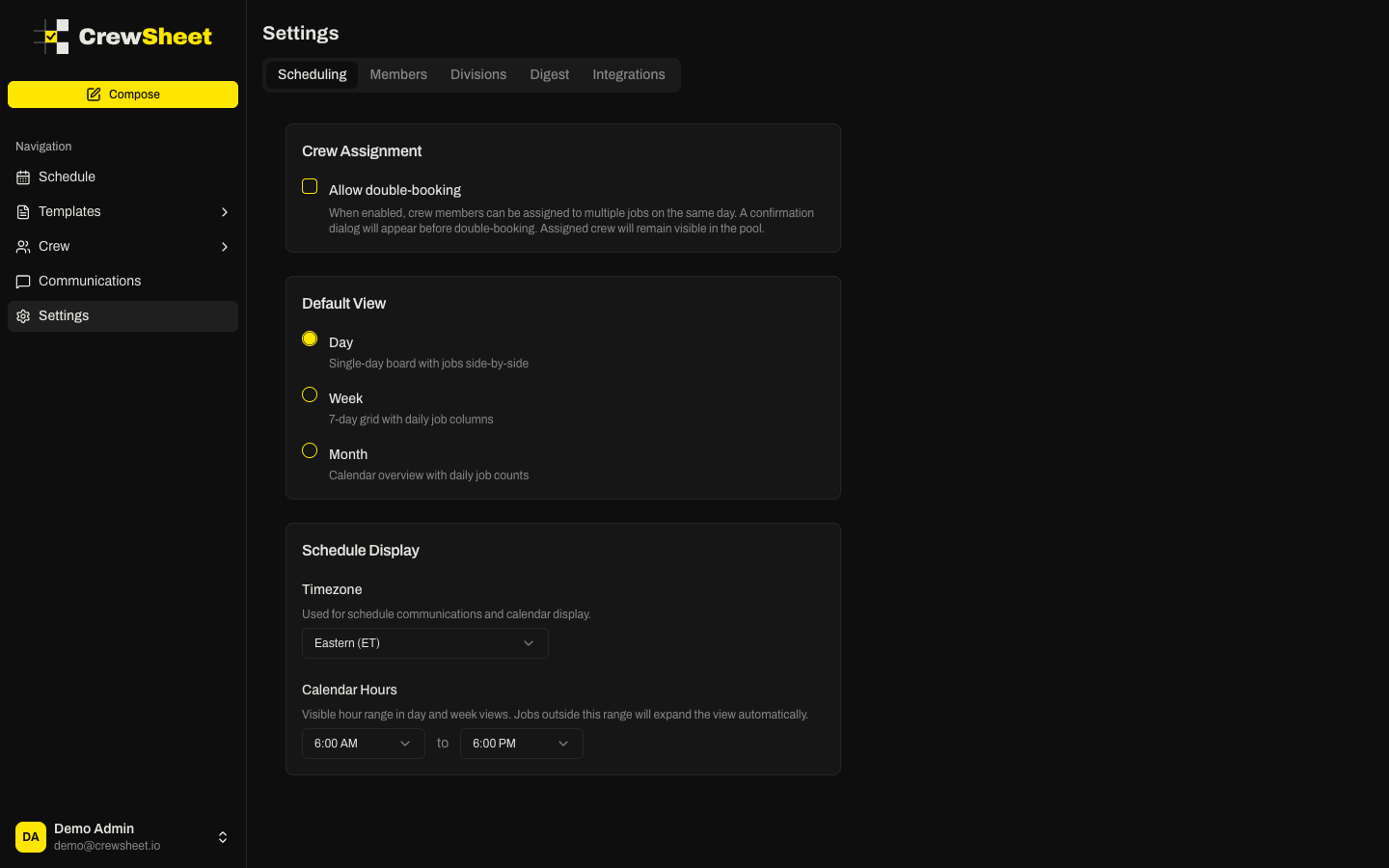
Crew assignment
- Allow double-booking — off by default. When on, you can assign a crew member to more than one job on the same day (CrewSheet still warns you first). Leave it off to keep the one-job-per-day rule that prevents accidental clashes.
Default view
Choose which view the schedule opens on — Day, Week, or Month. Most operators keep it on Day, the main board for building and sending a schedule.
Schedule display
- Timezone — the timezone your schedule times are shown and sent in.
- Calendar hours — the start and end hours shown on the day and week grids. Narrow them to frame your typical workday (for example 6am–6pm) so the board isn't mostly empty space.
Changes save as you make them, and apply to everyone in the organization.